

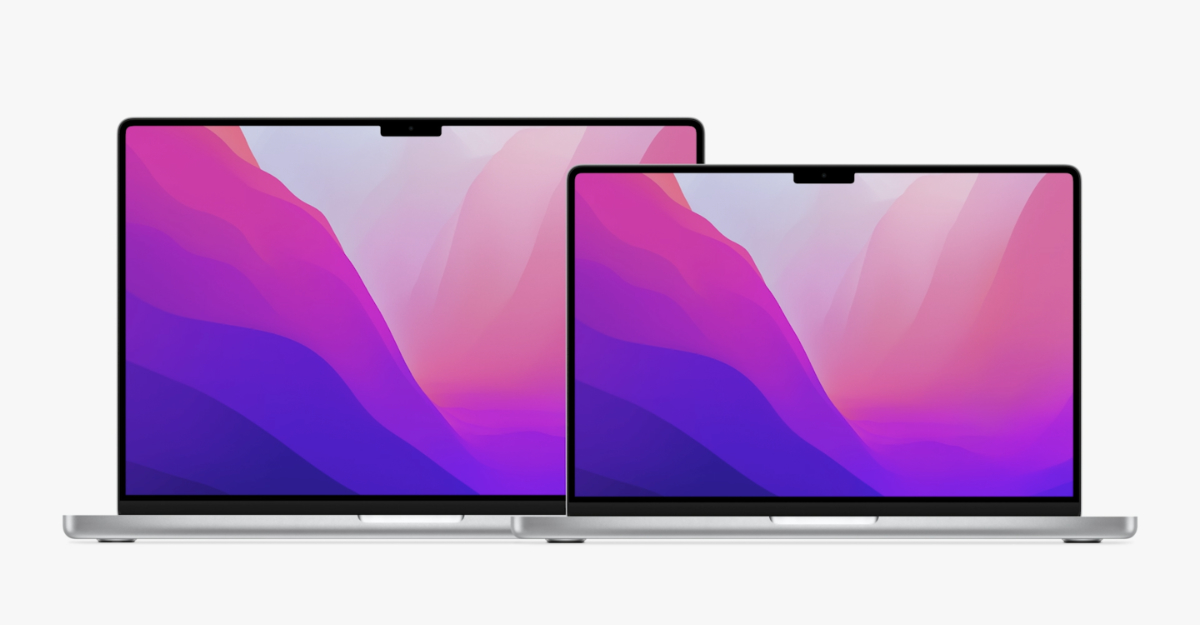
Low Power Mode attempts to make your MacBook’s battery last for a long time. It lowers the brightness and clock speed to make your Mac quieter. Every MacBook Pro as of early 2016 has a low power mode. None of the MacBook Air models supports Low Power Mode as of December 2021, though it may change in the future.
How to enable it
- Open System Preferences
- Click Battery
- In the side tab, be sure to click Battery
- Click the Low Power Mode toggle
If you would like to use Low Power Mode while your MacBook is charging, you can do so by doing these steps.
- Click Power Adapter
- Click the Low Power Mode toggle
Now your MacBook will run slower while staying alive for longer.

