

Table of Contents
Introduction
Most “AI video” tools promise magic; a few actually let you go from script to a branded cut without babysitting. If you want results this week, not a learning curve, here’s the honest path through Runway, Adobe, and Descript — step by step.

1. Google Veo
What it does best for concept-to-video workflows
Veo moves from concept to finished video with scalable production. It converts prompts and image inputs into coherent videos aligned with brand guidelines, suitable for social clips, product demos, and training reels. It prioritizes speed while keeping consistency across videos and channels.
Key features and business use cases
- Prompt to video and images to video capabilities for rapid asset generation
- Storyboard and asset management tools to support a production pipeline
- Templates and style controls that preserve brand look across outputs
- Use cases include social media clips, channel branding, and quick training videos
2. Runway
AI-powered production toolkit for filmmakers and marketers
Runway combines generative AI with editing and compositing tools to support fast creative iterations. It enables teams to generate, edit, and refine visuals within a single environment, prioritizing collaboration and efficient workflows from concept to delivery.
Pipeline integrations and export options
- Integration with asset libraries and cloud storage
- Multiple export formats and resolutions for various channels
- Collaborative review workflows to expedite sign‑off
- Clear handoffs between generation, editing, and finalization
3. Adobe Firefly
Commercially safe outputs and brand-asset integration
Firefly provides commercially safe outputs with clear licensing for business use. It integrates with brand libraries so teams embed approved assets into generated video while maintaining brand consistency.
- Licensing designed for commercial workflows
- Asset integration to align content with brand guidelines
- Supports scalable production with reduced manual approvals
Limitations and licensing considerations
Review output attribution and licensing terms for long form and multi channel use. Some prompts or asset inputs may restrict redistribution or certain monetized contexts.
4. Descript
Editing by script
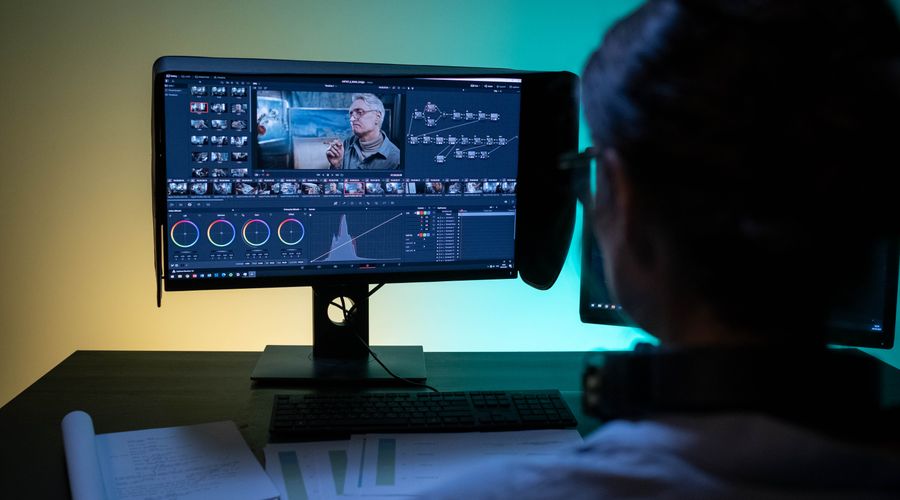
Descript blends script editing with video editing so changes to the narration drive the visuals. This tight coupling helps teams iterate quickly and keep messaging aligned with on screen content.
AI-assisted enhancements
AI features automate transcripts, noise reduction, and clip trimming, reducing manual editing time. The platform aids rapid reformatting for different channels and formats.
Overdub and collaboration capabilities
Overdub lets you generate voice replacements or additions in a branded voice. Team collaboration workflows support concurrent edits, version history, and round trips between script tweaks and video updates.
5. HeyGen
AI avatars and lip-sync for quick social videos
HeyGen offers lightweight clips with AI avatars and synced lip motion, suitable for spokesperson formats, product explainers, and quick updates without filming. Avatar options enable testing concepts before full shoots.
- Prebuilt avatar library with lip-sync output
- Fast generation of face and voice aligned scenes
- Ideal for social feeds and region specific messages
Voice customization and use cases
Voice options support branding with synthetic voices aligned to your channel tone. Use cases include onboarding reels, customer support clips, and regional announcements with minimal setup time.
FAQ
What are ai video generators used for in business workflows
- Creating concept to final video pipelines from prompts or images
- Generating social media clips and YouTube channel content quickly
- Repurposing existing assets into multiple formats and lengths
What should you consider when choosing an ai video editor or generator
- Licensing terms for commercial use and brand asset integration
- Compatibility with your current production workflow and export options
- Quality of lip-sync, audio, and visual fidelity for your audience
Conclusion
AI video tools continue to streamline production from concept to distribution, helping teams move faster while maintaining brand alignment. The key is to select a cohesive tool set, implement branded templates, and establish clear licensing and collaboration practices to maximize return on investment.

