

Table of Contents
Introduction
What businesses need from a video editor
Most ‘pro’ editors slow small teams down with bloat; the right pick depends on your workflow, not feature lists. If you publish fast to social, choose tools that export quickly and automate captions; if you manage longer edits with strict colour and audio control, prioritise stability and collaboration. Here’s the no‑nonsense way to decide between Premiere Pro, Final Cut and DaVinci.
How team size and budget shape the choice
Solo owners favor simple tools. Larger teams need collaboration and licensing clarity.

1. Adobe Premiere Pro
Best for professional marketing and brand teams
Adobe Premiere Pro is the best professional video editor overall in several 2026 roundups. It is the go-to tool for many professional editors, in the same way Photoshop and Lightroom are for photography.
It suits teams that publish often and need polished, repeatable results.
- Professional-grade editing tools for marketing videos
- Strong fit for YouTube and social content workflows
- Ranked among top picks for marketers
Pricing and Creative Cloud collaboration
Premiere Pro is part of the Adobe Creative Cloud family, so it works alongside other Adobe apps your designers may already use.
If the full toolset is more than you need, Adobe Premiere Elements 2026 is a cut-price alternative that still holds its own.
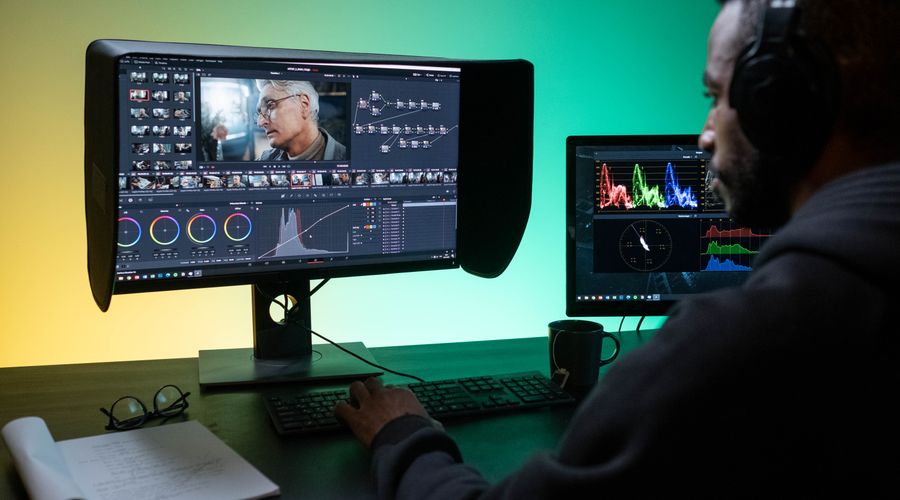
2. DaVinci Resolve
Free version versus Studio
DaVinci Resolve is named the best free video editor on Windows and Mac in 2026 roundups. DaVinci Resolve 20 delivers professional-grade tools at no cost.
The paid option is DaVinci Resolve Studio, which adds more advanced features for teams that outgrow the free version.
- Free version: a strong starting point for small budgets
- Studio: for businesses that want the full toolset
Best for color and high-end production
Resolve is listed among the top professional editors, alongside Adobe Premiere Pro and Apple Final Cut Pro.
It has a steeper learning curve than simple editors, so it suits teams with a dedicated editor rather than owners cutting clips between meetings.
3. CyberLink PowerDirector 365 Business
Speed and ease of use for non-editors
CyberLink PowerDirector is recommended in 2026 reviews for speed. It also appears on lists of the best editors for marketers.
That makes it a practical choice when staff who are not trained editors need to produce videos quickly.
Licensing and commercial use features
PowerDirector 365 Business is designed to help create professional-grade multimedia content for business applications.
- Built for business use rather than personal projects
- Subscription model through the 365 line
- Suits teams that want speed without a steep learning curve
Confirm current license terms with CyberLink before rolling it out across a team.
FAQ
Which video editor is best for beginners?
Wondershare Filmora and Movavi Video Editor are recommended for beginners and for user-friendliness.
Is there a free option for business use?
Yes, DaVinci Resolve. Check its license terms for your use.
Which editor is fastest for non-editors?
CyberLink PowerDirector is the usual pick for speed.
Conclusion
Match the tool to the people who will use it. Premiere Pro suits professional teams, DaVinci Resolve suits tight budgets with a dedicated editor, and PowerDirector 365 suits staff who need fast results.
Start with one trial, then scale.

