

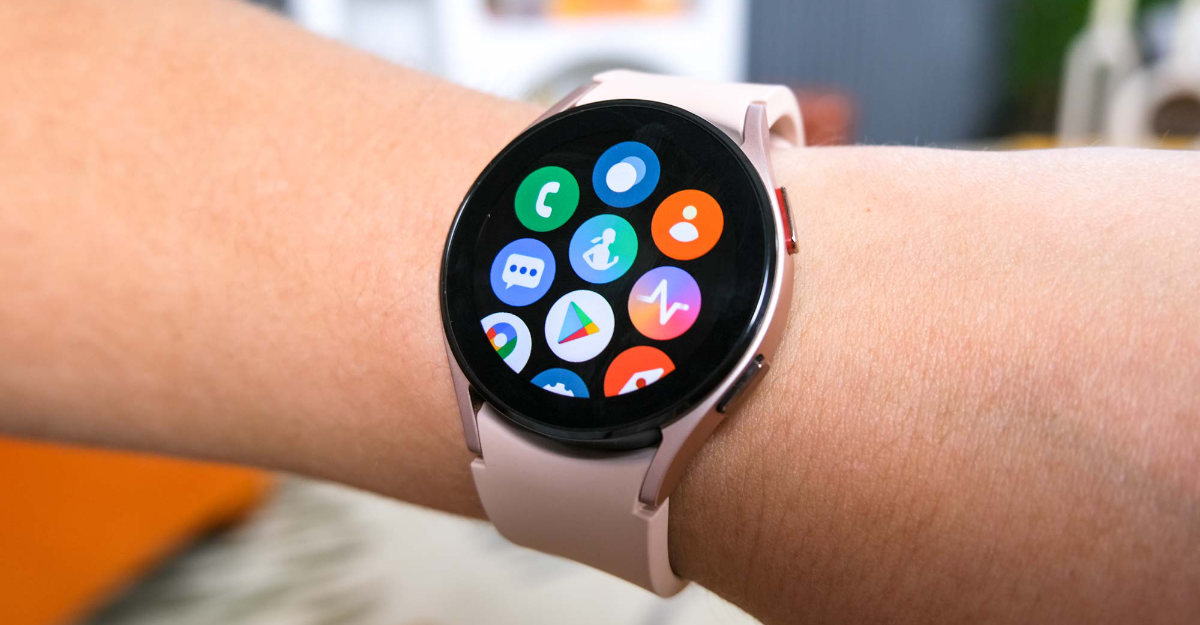
Most smartwatches these days require a smartphone to be used. The Samsung Galaxy Watch 4 and Watch 4 Classic require a smartphone to be able to be used. However, if you would not like to set up the smartwatch with your smartphone you can do it. Here’s how.
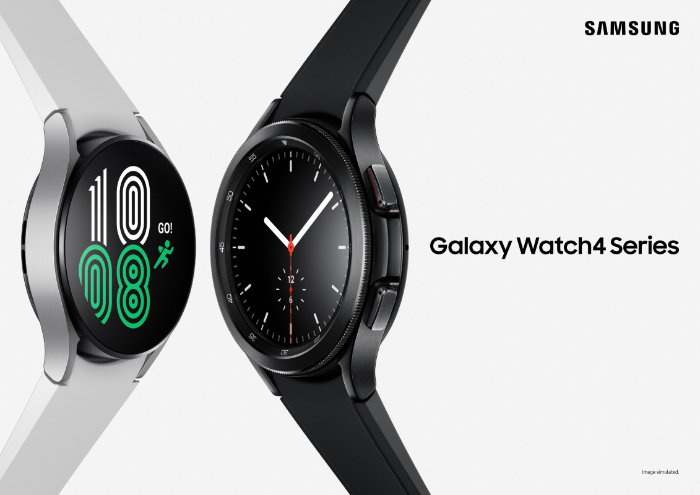
- Power on the Samsung Galaxy Watch 4 / Watch 4 Classic
- Tap the ? icon at the bottom of the screen
- Tap here
- A notice will show up. Read it carefully
- Tap continue
- Read the terms and conditions
- Tap next
- Login with your Samsung account, or you can just click skip
- Set a time zone
- Samsung will ask you to set a PIN for restoring or backing up data
- Open settings
- Tap Connect to phone > Tap on the tick mark icon and enter the PIN to connect the Galaxy Watch to a smartphone while using the Galaxy Watch without a mobile device.
You can buy the Galaxy Watch 4 and Watch 4 Classic from Samsung’s official website and from Amazon.

