

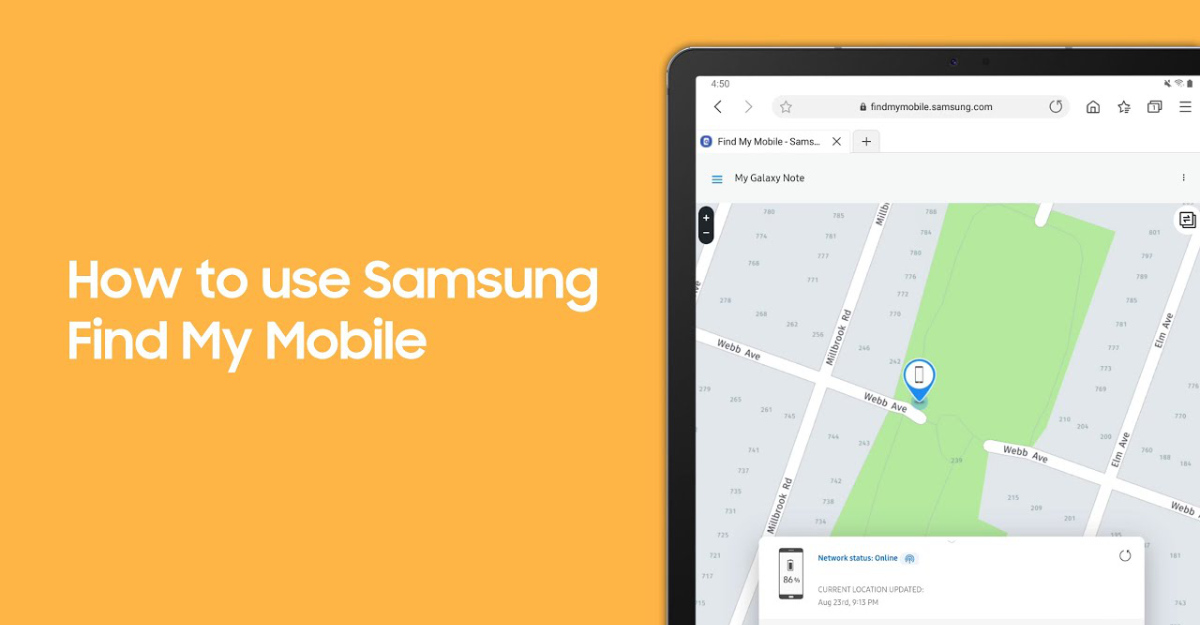
At times mobile phones may be stolen, lost or left somewhere. Using a built-in feature that is referred to as Samsung Find My Phone, as long as you have logged in with your Samsung Account on your phone, you can use the tool to find your phone, here’s how to do it – (you will need a separate device).
How to do it
- Open the web browser on the device you will be using
- Visit findmymobile.samsung.com
- Login with your Samsung account that has been logged onto the lost smartphone
There will be lots of options, such as Ring if you have lost your smartphone in your house, Lock if you have left your phone somewhere and do not want it to be accessed and more.
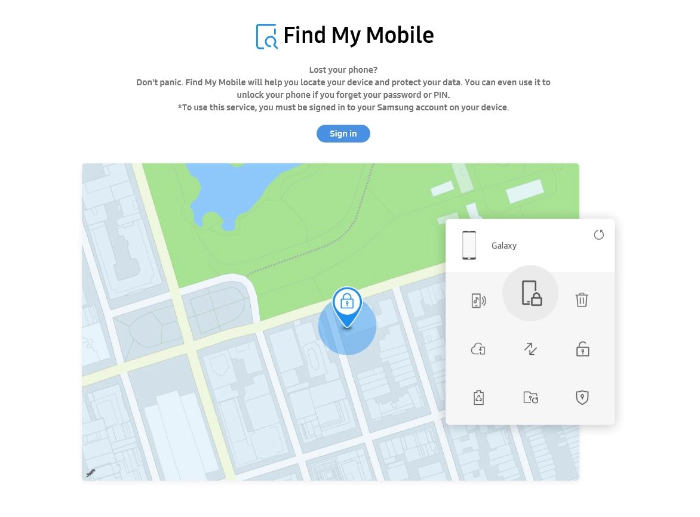
Ring
The ring will ring your phone at maximum volume, even if it is muted.
Lock
The lock option can lock your phone if you have lost it somewhere. This will let you add text, such as a place to return the phone, on the phone display when switched on.
Track location
This option will allow you to track the location of your smartphone.
Erase data
This will perform a factory reset on the device remotely.
Back up
This will not backup all data, only call logs, messages, calendar, clock, settings, Bixby home, home screen and various app data.
Retrive calls/messages
This will allow you to retrieve all calls and messages remotely with another Samsung device.
Unlock
This will remove all forms of security from the smartphone, not sure why you’d want to do that.
Extend battery life
This will enable maximum power saving, a feature that explains what it does with its name.
Set guardians
You can allow a person to control your phone remotely, and you can set a duration for how long they will be a guardian.
Samsung Find My Mobile is quite useful and has helped many people.

